Crawling and indexing are different
Crawling is the process of fetching a page. Indexing involves processing its content for possible inclusion in search results. A page can be reachable in your browser without necessarily being indexed.
Use Search Console’s URL Inspection tool to investigate an important page. Check the specific reason shown before making a change. Submitting a page does not guarantee that it will be indexed or appear for a particular query.
What is an XML sitemap?
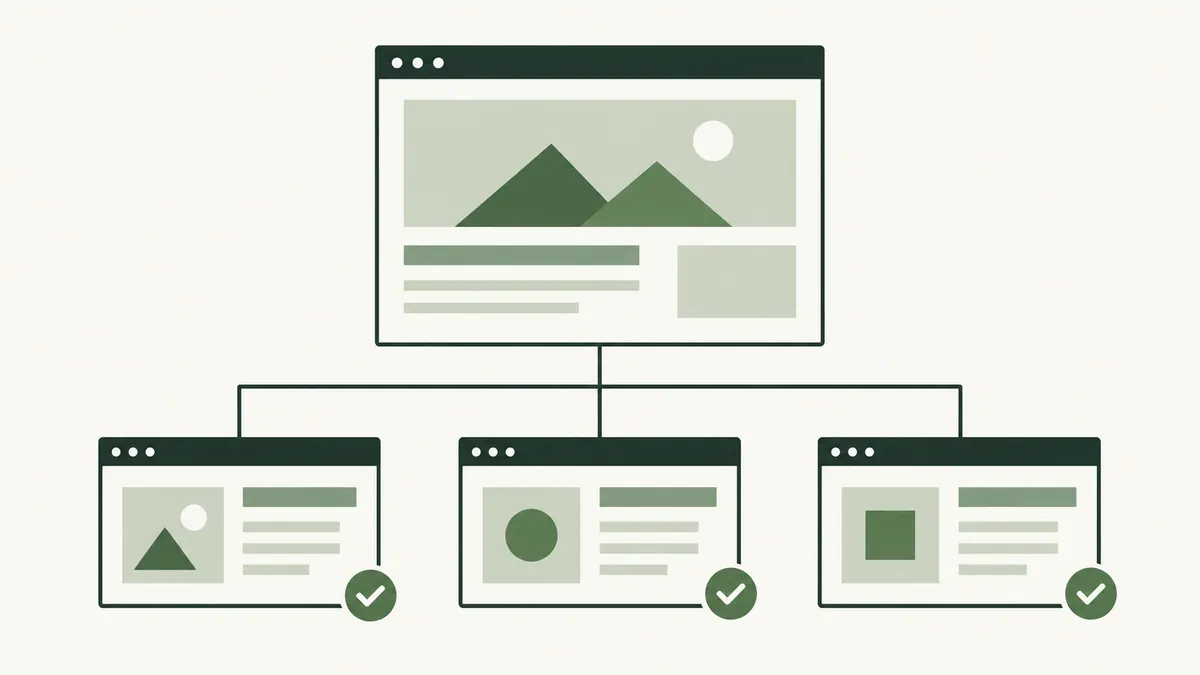
An XML sitemap is a file listing URLs you want search engines to discover. It is particularly useful when a site is large, new or has pages that are difficult to find through ordinary navigation. It supports discovery; it does not guarantee indexing.
List the preferred, live URLs and update the file when pages change. Do not add missing pages or redirects as if they were active content. Useful internal links still matter even when a sitemap is available.
Understand robots.txt and noindex
Robots.txt provides instructions about which paths crawlers may request. A noindex directive asks supporting search engines not to index a page. These controls solve different problems and should not be treated as interchangeable.
A crawler must be able to access a page to read its noindex directive. Blocking that same page in robots.txt can prevent it from seeing the instruction. Neither control is a substitute for authentication when information needs to remain private.
Use consistent URLs and sensible redirects
A canonical link identifies the preferred URL when similar or duplicate versions exist. A redirect sends a visitor from one address to another. A canonical is a signal, not a way to move someone to the new page.
When a page moves permanently, a relevant permanent redirect can help visitors using its old address. Map each old page to a suitable replacement. Redirecting every removed page to the homepage often leaves people without the information they expected.
Check speed and usability on mobile
Try your key pages on a phone and an ordinary connection. Look for oversized images, text that is hard to read, buttons that are difficult to tap and content that jumps while loading. Test the actual enquiry or checkout journey too.
Performance tools can help you identify the cause of a slow page, but a score is not a business outcome. Fix the issues that delay or frustrate visitors and retest after the change. Keep a record so you can distinguish an improvement from normal variation.
After changing a page address, open the old URL, the new URL and any menus that link to it. Confirm the destination is correct and that images, downloads and enquiry links still work.