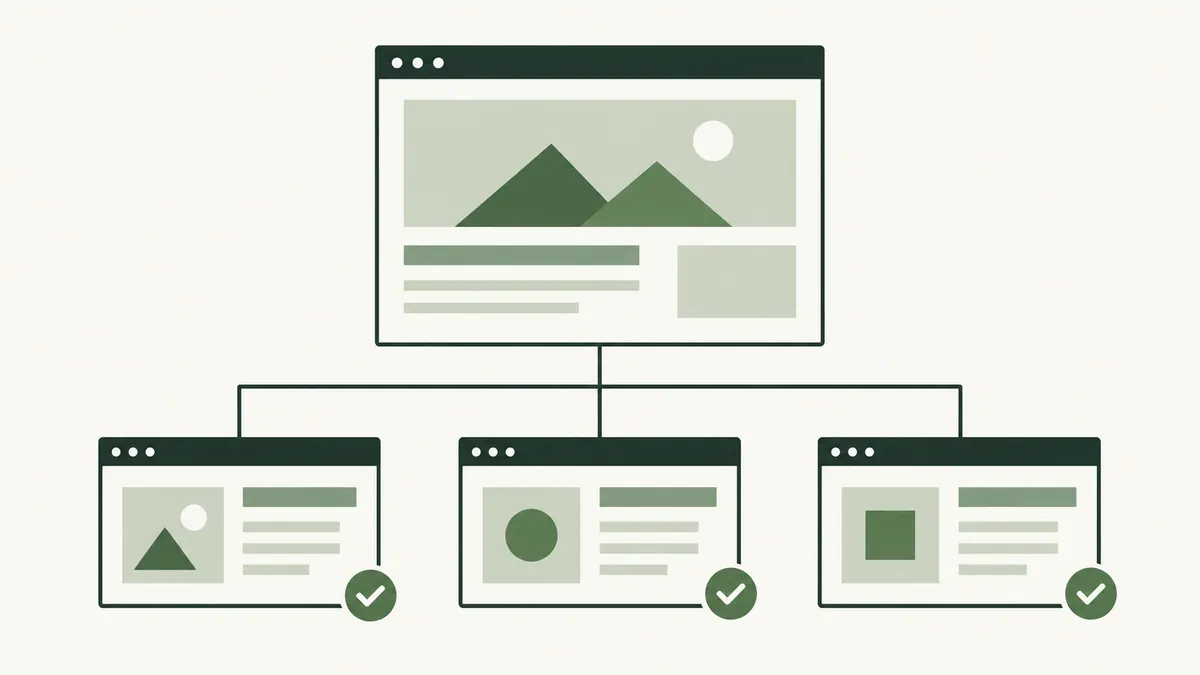
How a useful page becomes disconnected
A training company in Kuala Lumpur publishes a course guide, then redesigns its course directory. The guide remains online but its directory link disappears. Staff can open it from an old email while new visitors cannot find it through the site.
This is different from a broken page. The destination may load perfectly; the missing piece is the connection from other pages.
Compare more than one page list
A crawler following internal links may never reach a fully orphaned page. Compare its findings with other inventories, such as your published-page list, sitemap and known landing pages.
Start with important URLs rather than every historical address. Keep track of which pages are intended to be public and useful. Old previews and retired campaigns may need a different decision.
Google’s link guidance says important pages should have a link from another page on the site. A sitemap does not replace a useful browsing route.
Confirm the finding before changing anything
A limited crawl can miss links because of its starting point, settings or access restrictions. Open the relevant category and navigation pages to check the situation yourself.
Look at the exact URL. A report might list an old variation while internal links correctly point to the preferred version. Review canonical URLs before treating those as separate content.
Write down what you checked. “No incoming links found in this crawl” is evidence to investigate, not always a complete description of the website.
Reconnect it where it helps the reader
For the course guide, the course directory may be the obvious home. A related article might also link to it when the explanation raises a question the guide answers.
Use clear link wording. Do not add the page to every footer simply to increase the link count. The link should make sense to the person reading it.
If the content is obsolete, decide whether to update, combine or retire it instead of making it easier to discover in its current state.
Check new pages and redesigns
- Give each new public page a relevant incoming link.
- Include navigation checks in a redesign review.
- Compare page inventories periodically.
- Recheck links after retiring a category.
- Confirm that mobile visitors have a route too.
Our internal linking guide helps turn a repaired connection into a useful customer journey.