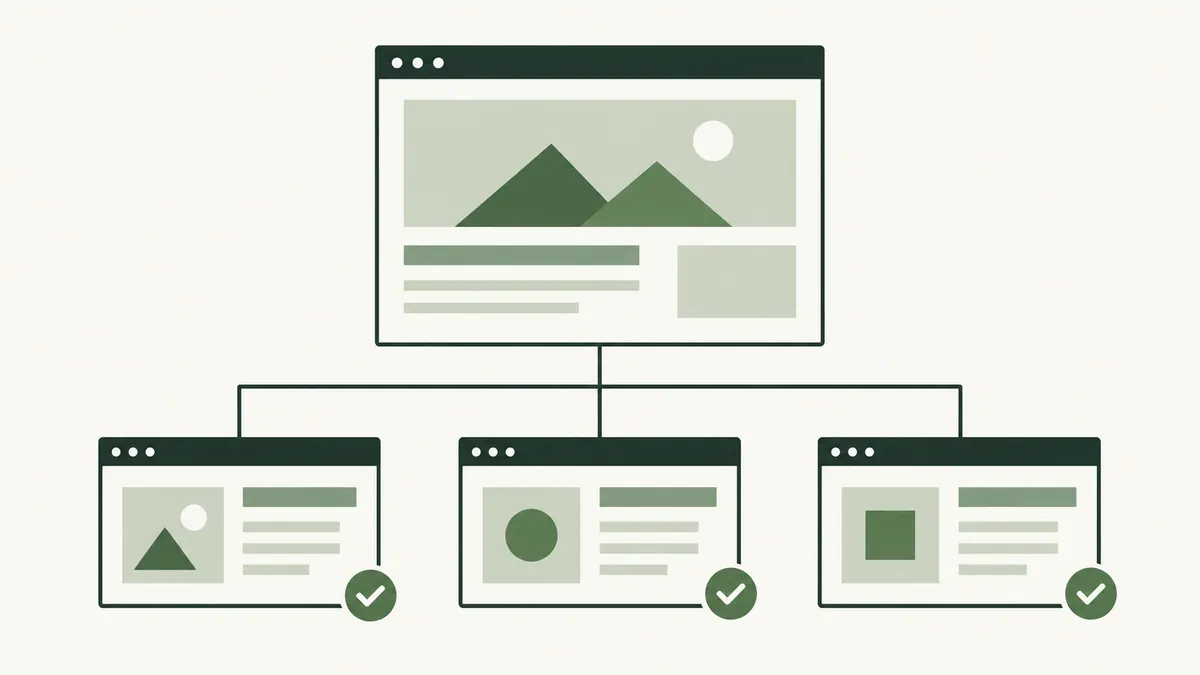
Where do internal links appear?
Menus, breadcrumbs, article references and related guides can all contain internal links. They serve different purposes. A menu gives a broad route through the site; a link inside a paragraph can answer a question raised by that specific sentence.
A backlink is different: it arrives from another website. If you need the distinction, read our introduction to backlinks. You can usually improve your own internal links directly, without waiting for another publisher.
Plan a route that matches the question
Imagine a cake shop in Seremban publishing an article about choosing a cake size. Someone reading it might next need to see the available flavours, understand the order notice period or ask about a custom design.
Link to the relevant page at the point where that question arises. A paragraph explaining serving sizes might lead to a size chart. The ordering section might lead to the actual order process.
Do not send every reference to the homepage if a more specific page answers the question. Opening a link should move the reader closer to the information promised by its wording.
Choose clear link text
Google recommends descriptive, concise wording and says important pages should have a link from another page on the site. Its link guidance also explains why ordinary HTML links with a destination are important for discovery.
“Cake serving-size chart” tells a customer more than “click here.” Keep the linked phrase natural within the sentence rather than adding a list of search phrases. Read our anchor text guide for more examples.
Use consistent labels when they refer to the same destination. Calling one page “delivery details” in one place and “collection only” elsewhere creates uncertainty unless those labels describe genuinely different sections.
Review one customer journey
- Choose a page that attracts useful visitors.
- Write down the next two questions those visitors are likely to ask.
- Find the existing pages that answer them.
- Add links where they help the explanation.
- Open each link on a phone and check the destination.
If no page answers an important question, record the content gap. Adding a link to an unrelated page does not solve it. You may need to improve a page you already have before creating another one.
Avoid clutter and broken routes
A useful link has a purpose. Repeating the same destination in every sentence makes an article harder to read. There is no need to reach an arbitrary link count if the reader already has a clear route.
After moving or retiring a page, review the links that point to it. A working redirect may help visitors, but updating the link itself keeps the route clearer. Remove references to offers or resources that no longer exist.
A sitemap can support discovery, but it does not replace links that people can use. Finish the review by checking the menu and the page’s most obvious next step.