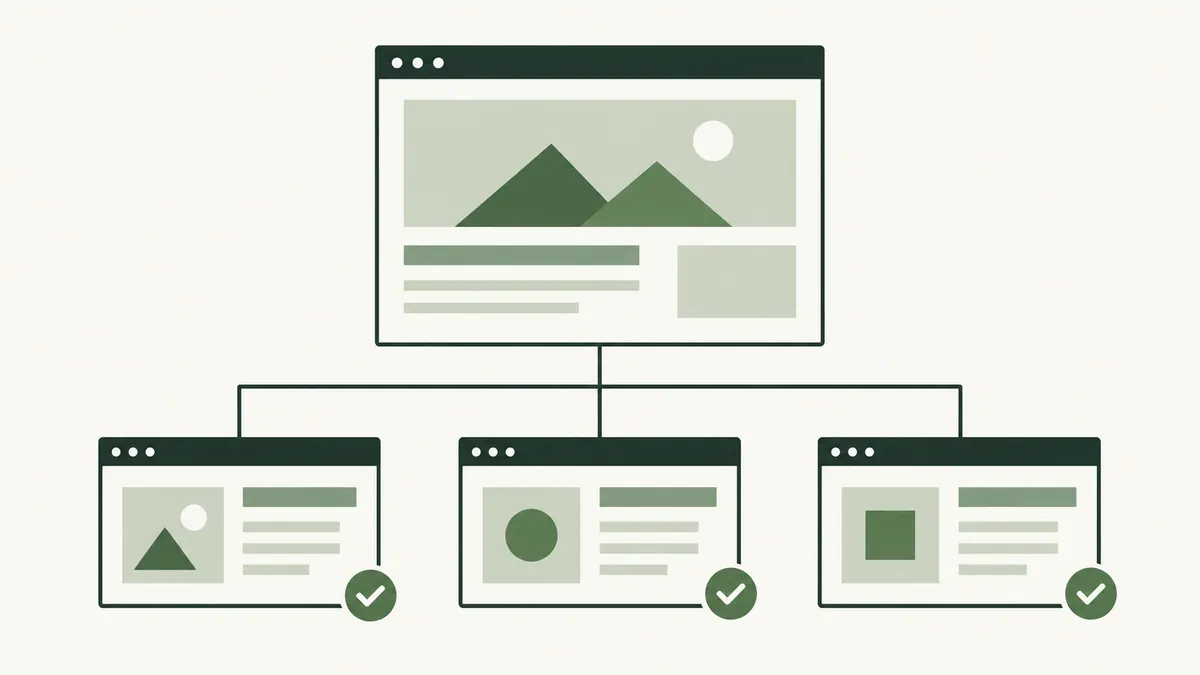
What does a sitemap do?
Think of a business website with service pages, products and advice articles. Visitors normally reach those pages through menus and links. A sitemap offers search engines another way to find the addresses you consider important.
It is a file for crawlers, so it does not need to look like your website. An HTML sitemap is different: that is a page of links intended for people to browse. Both can be useful, but they serve different audiences.
Google explains that sitemaps can help discovery, especially on larger or newer websites, while submission does not guarantee crawling or indexing. See Google’s sitemap overview.
Does a small website need one?
A small website with clear links between its pages may be discovered without a sitemap. Having one can still make it easier to review which URLs you are presenting to search engines, especially as you add articles or change addresses.
Imagine a supplier in Shah Alam adding a product catalogue. Before focusing on the sitemap, check that each product can be reached from a category page. A file listing products does not help a customer who cannot find them through the website.
Use the sitemap as part of site maintenance rather than as a substitute for navigation. Our technical SEO guide explains how crawling and indexing fit together.
What belongs in the file?
Use the preferred public addresses of pages you want considered for search. Review the list after moving a page, removing a product or changing the website’s domain. A sitemap full of obsolete addresses is a poor record of the current site.
- Use complete web addresses, including the correct HTTPS hostname.
- Choose the preferred version of each page rather than listing duplicates.
- Remove URLs that return an error or only redirect elsewhere.
- Leave out private pages and pages deliberately excluded from indexing.
Keep a simple record of the pages your business expects to be public. Comparing that record with the sitemap can reveal an article that was accidentally missed or an old promotion that still needs attention.
How to review your sitemap
- Find the sitemap address in your website settings, robots.txt file or hosting documentation.
- Open it and confirm it returns a readable sitemap rather than an error page.
- Choose several URLs from different parts of the site and open them.
- Check that each page works and displays the content you expect.
- After a website update, repeat the same checks.
In Google Search Console, you can submit a sitemap for a property you control and check its processing status. A successful submission tells you the file was processed; it does not mean every listed page appears in search.
What if a listed page is still missing?
Start with the page itself. Confirm the address is correct, the content loads and the page has a useful link from another part of the site. Then use Search Console’s URL Inspection information to investigate its indexing status.
Resubmitting the same file repeatedly is not a substitute for understanding the reported issue. Record what you find before changing settings, especially if somebody else maintains the website.
For a newly published guide, finish the ordinary reader checks too: a clear heading, working links and a helpful introduction. Our page title guide can help with the next part of that review.