Which SEO tags should you check?
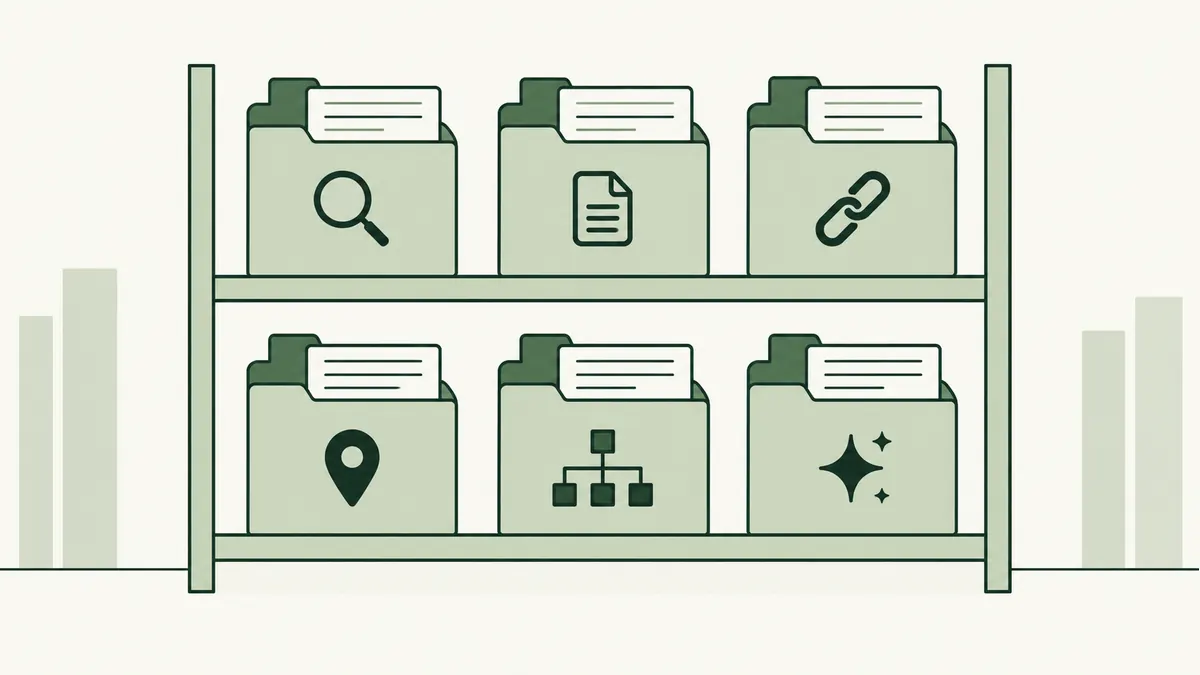
Start with the title element and meta description: the title names the page, while the description can summarise it for a search snippet. Both should reflect the actual content. The title element is often grouped with SEO metadata, although it is not a meta tag.
The robots meta tag controls indexing and snippet instructions, so check for an accidental noindex on a page you want found. A canonical link identifies the preferred URL when similar versions exist; it is a link element, not a meta tag. The viewport tag helps the page display correctly on mobile devices.
For practical examples, read the page title guide, meta description guide, noindex explanation and canonical URL guide. Google does not use the meta keywords tag for ranking; focus on useful visible information instead.
Write a specific page title
The title element describes a page in the browser tab and is one source Google may use for its search-result title. Write a concise, descriptive title for each important page. Google may show different wording, so the title is a useful signal rather than a guaranteed display.
For a real service page, “Office Catering in Petaling Jaya | Your Brand” tells a reader more than “Welcome to Our Website”. Only mention a place or service that the page actually covers. Avoid squeezing every keyword variation into the title.
Use headings to organise the answer
The main heading should tell readers what the page covers. Use section headings to group information they may want to scan: menus, delivery areas, ordering and common questions.
Choose headings that describe the content below them. A reader should be able to skim the page and find the right section. Do not choose a heading level merely because its default text size looks attractive.
Answer the questions that matter
Start with the information a visitor needs most. Explain what is included, who it suits and any practical limitations. Use examples from the business rather than broad claims that could describe any competitor.
For a repair service, useful details might include the equipment you handle, how inspection works and what affects the cost. There is no reason to stretch a straightforward answer to meet an arbitrary word count.
Connect related pages with internal links
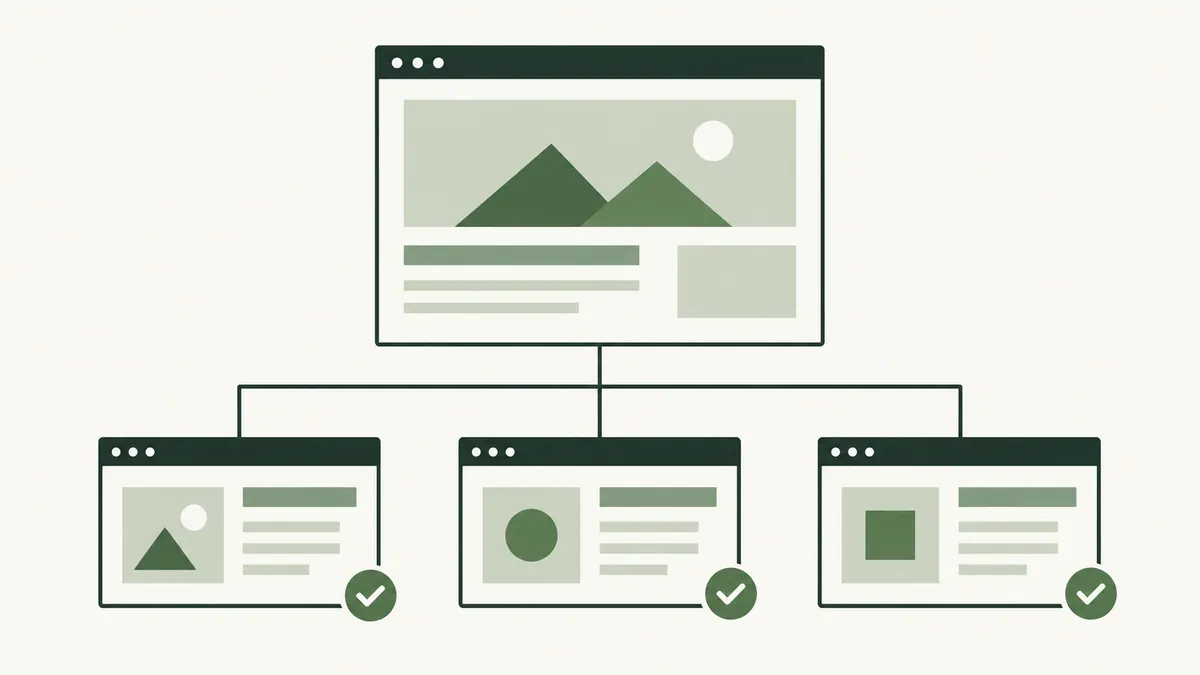
An internal link connects two pages on your own website. It can help a reader move from an explanation to a relevant service, a product to its care instructions, or a category to a specific item.
Use wording that describes the destination. “See our delivery areas” is clearer than a row of identical “click here” links. Add a link where it helps someone continue, and check it after moving or renaming a page.
Make images useful and accessible
Choose images that help someone understand the subject: a product detail, a finished project or a step in a process. Resize and compress large files before uploading them so visitors are not downloading more than they need.
Describe informative images with appropriate alt text. A product photo might need a description of the item or a relevant visual detail. Pure decoration can use empty alt text. Avoid turning descriptions into lists of SEO keywords.
Open your most visited service page. Ask someone unfamiliar with the business to explain what you offer after reading it. The parts they cannot explain are good places to improve the copy.