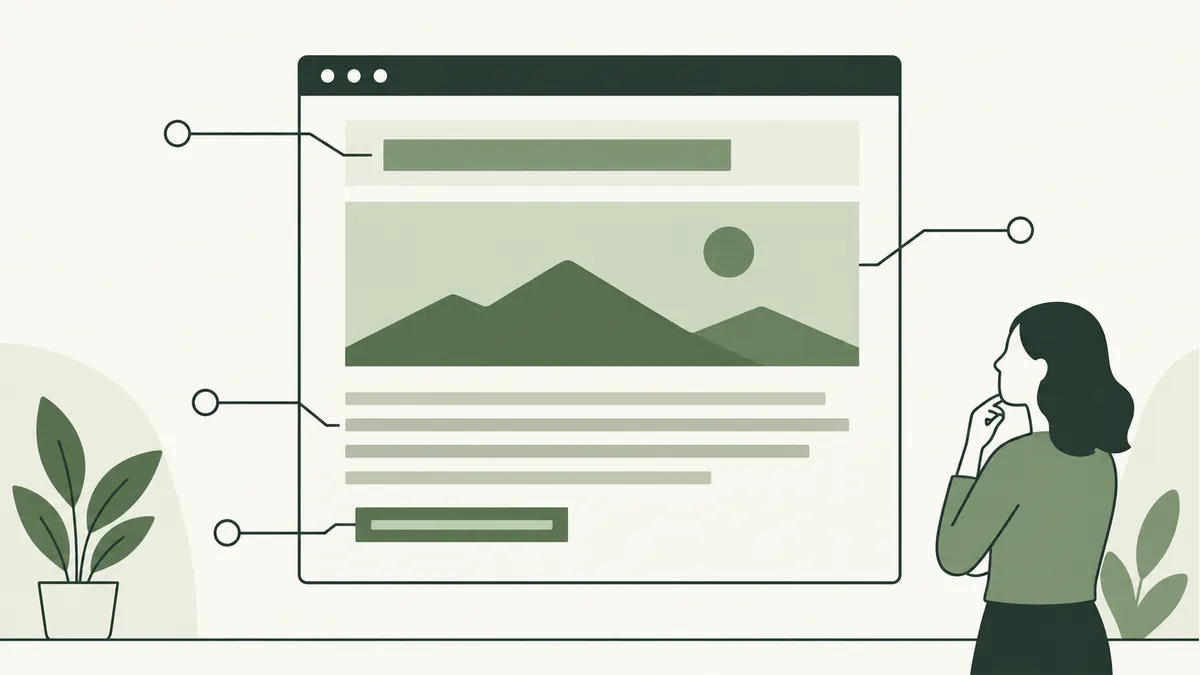
Choose an image that answers a question
A product photograph can show a finish, a scale reference or a detail that words alone leave unclear. For a furniture maker, a close-up of a table edge may help a buyer understand the material better than a generic office photograph.
Choose the image before writing its description. Check that you have permission to use it and that it represents the product or example accurately. Do not label an illustration as a photograph of completed customer work.
Write ALT text for the image’s purpose
Describe the information the image contributes in its current context. For a product detail, “Rounded corner of an oak dining table” is more useful than “best cheap dining table Malaysia furniture sale.”
Not every image needs a spoken description. Purely decorative images can use an empty alt="" value. If an image acts as a link or button, its text alternative should explain the function. The W3C ALT decision tree helps distinguish these cases.
Do not put essential prices, instructions or specifications only inside a picture. Make that information available as ordinary page text as well.
Name and size the file sensibly
A name such as oak-table-rounded-corner.webp is easier to maintain than IMG_8472.webp. Keep it descriptive without adding unrelated search phrases.
Google’s image guidance covers descriptive filenames, relevant surrounding content and text alternatives. Those details provide context; none is a substitute for a useful image and page.
Export a size suited to the space where the image is displayed. Keep the original separately so you can produce another version later. Avoid repeatedly editing and recompressing the same small export.
Compress, then inspect the result
Try an efficient format such as WebP for photographic or illustrated web assets, and compare the export with the original at the intended display size. Fine lettering, thin lines and fabric textures can reveal quality loss quickly.
There is no universal file-size target that suits every image. Aim for the smallest practical file that preserves the detail needed by the visitor. A technical diagram may need a different treatment from a decorative banner.
Set image dimensions to reserve layout space. Lazy loading can help images farther down the page, while the main image visible at the start should not be unnecessarily delayed.
Check the published page
- Confirm the image loads and the crop makes sense on mobile.
- Check its ALT text in the HTML.
- Read the nearby caption and explanation together.
- Look for visible blur or compression damage.
- Check that the layout stays steady while images load.
Blocking right-click may discourage casual saving, but it does not stop people retrieving images delivered to their browser. Keep a separate record of original files and usage rights. Continue with the on-page SEO guide for the rest of the page.