What does a breadcrumb trail show?
A learning website might show “Home / Technical SEO / XML Sitemaps.” A reader can recognise the broader subject and return to it without using the browser’s back button.
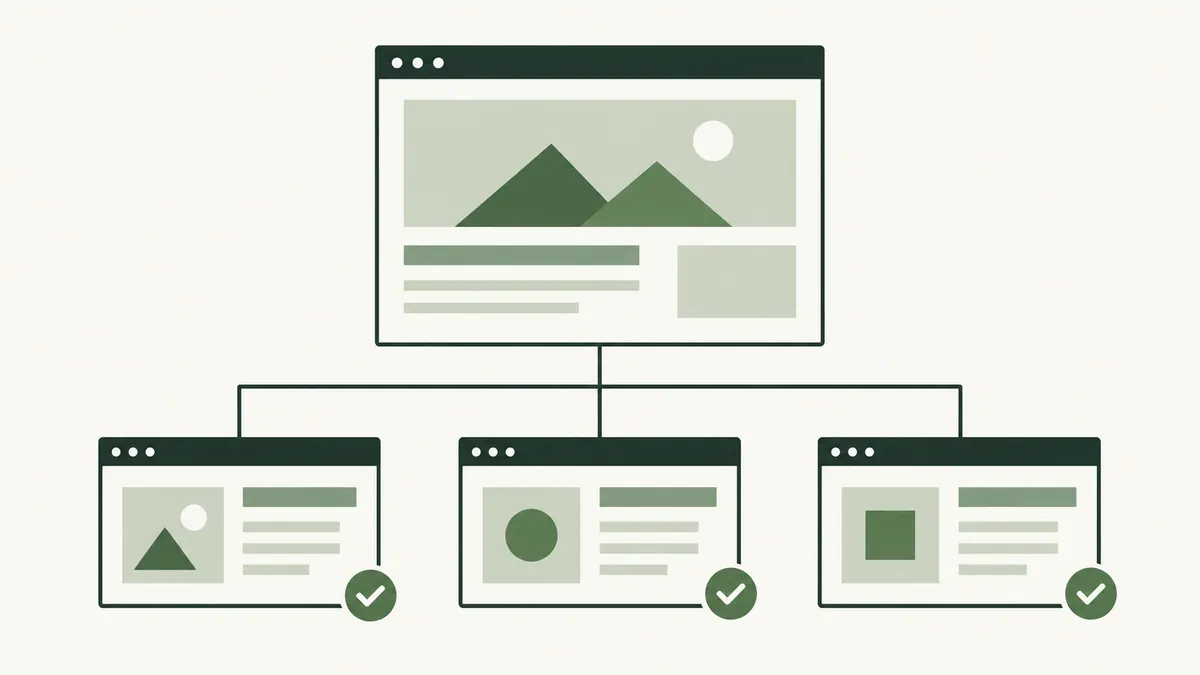
That trail usually represents the site’s organisation, not the visitor’s browsing history. Someone arriving from search sees the same logical location as someone arriving through the main menu.
Keep the labels meaningful. “Category 4” may describe your database but tells a reader very little.
When do breadcrumbs help?
They work well when content has a clear hierarchy, such as topic pages and articles, or product categories and products. On a small site with only a few flat pages, the main navigation may already provide enough context.
Imagine a customer browsing a lighting shop’s pendant lamp page. A trail back to “Pendant Lights” can be more useful than a general link to the homepage. It gives them a way to compare similar products.
Breadcrumbs support the menu rather than replacing it. Visitors still need access to important sections and contact information.
Keep each step accurate
- Choose the broader category that genuinely contains the page.
- Use a short, recognisable label.
- Link earlier steps to working pages.
- Identify the current page clearly.
- Check the trail on a narrow screen.
Do not invent a category page that does not exist. A breadcrumb promising a collection should lead to a useful collection, not a dead end or unrelated landing page.
For products appearing in several collections, choose a sensible, consistent trail rather than producing an unpredictable sequence.
What about breadcrumb structured data?
Google supports BreadcrumbList structured data to describe a page’s position in the hierarchy. Its documentation explains the required properties and testing approach. A search display is not guaranteed.
The visible trail should remain useful on its own. Adding machine-readable labels does not repair a broken category link or confusing navigation.
See our structured data introduction for the wider distinction between page content and markup.
Update the trail when the site changes
When moving an article or reorganising categories, check the breadcrumb alongside the menu, internal links and sitemap. A page can load correctly while still pointing readers back to an obsolete section.
Review a sample from each page type after a template change. Check labels, destinations and wrapping rather than judging only the homepage.
The internal linking guide provides a broader checklist for keeping the reader’s route useful.