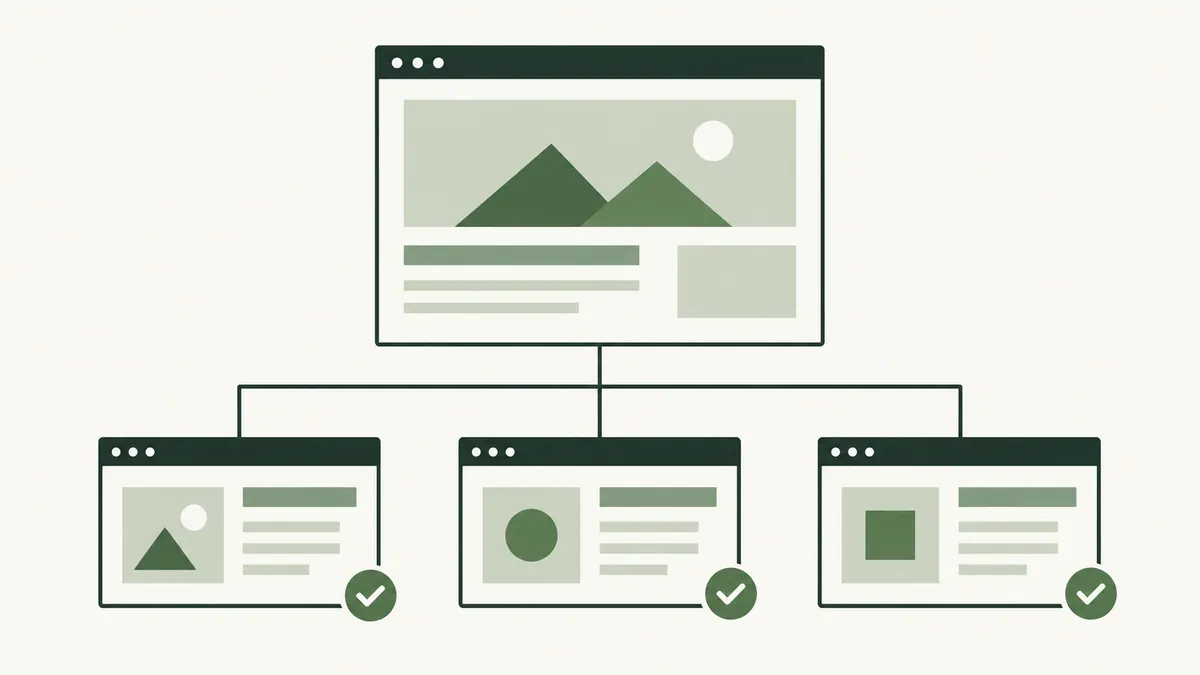
Start with important customer journeys
For a small website, begin with the menu, service pages, contact details and frequently read articles. Open the links as a visitor would, including buttons, image links and links to downloadable documents.
Record the source page, linked wording, destination and observed problem. A broken address and a working address with the wrong content need different corrections.
For larger sites, a crawler can help produce an inventory. Review the findings before applying bulk changes; a temporary error or access restriction may require investigation rather than deletion.
Understand what the response means
A 404 normally means the requested resource was not found. A server error points to a different problem. A page that displays “not found” while returning a success response may be treated as a soft 404.
Google’s HTTP status documentation explains how responses affect crawling and indexing. Check the actual response rather than relying only on the visible design.
Choose the fix that matches the problem
- Typing mistake: Correct the link to the intended address.
- Accidentally removed page: Restore it if it still serves a useful purpose.
- Page moved: Use a relevant redirect and update your own links.
- Outdated reference: Replace or remove it after reviewing the surrounding sentence.
- Temporary failure: Investigate the hosting or application issue.
Suppose a furniture shop’s assembly guide links to a discontinued instruction PDF. If a current manual covers the same product, link directly to it. A generic homepage does not answer the assembly question.
Check external replacements carefully
If another website has removed a source, look for its current official version. Confirm the replacement supports the original statement rather than choosing a similar-looking page based only on its title.
If you cannot find a reliable replacement, reconsider the claim or explain the limitation. Leaving an authoritative-looking link that leads to unrelated content can mislead readers even when the URL technically works.
Review the linked words too. They should still describe the destination after any replacement.
Test the repaired route
- Open the link from its source page.
- Confirm the destination and HTTP response.
- Check that the promised information is present.
- Test any form, download or next step involved.
- Record the correction for future maintenance.
For moved pages, read our redirect guide. For maintaining the content around links, use the content update checklist.