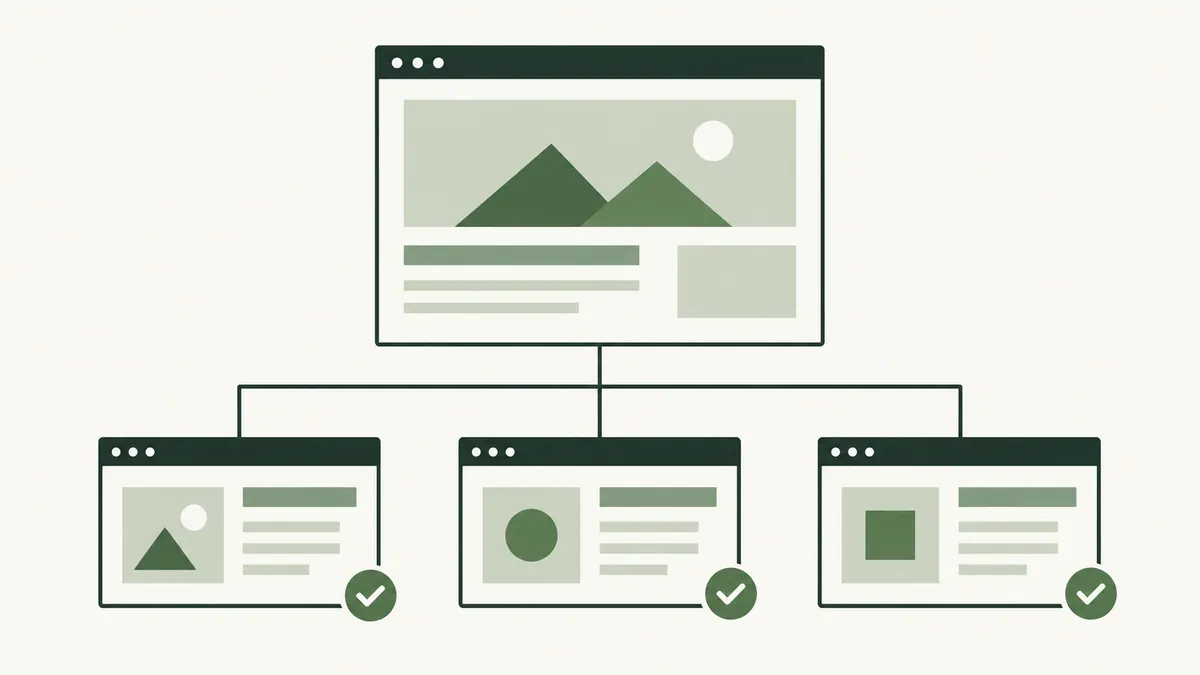
Separate the stages
- Discovery: A search engine learns that a URL exists.
- Crawling: It requests the page and related resources.
- Indexing: It analyses the content and decides how to store it.
- Serving results: It selects results for a particular search.
Google describes these stages in its guide to how Search works. Moving through one stage does not guarantee a particular outcome at the next.
A new page is not instantly a search result
Imagine a tuition centre in Ipoh publishing a page about a new class. The owner can open the page immediately because they know its address. That does not tell them whether a search engine has discovered or processed it.
Linking it from the class directory gives visitors a route to it. Adding the preferred address to the sitemap can support discovery. Neither action promises a particular ranking or an immediate appearance for every related query.
Our XML sitemap guide explains the file’s role in more detail.
Investigate the exact URL
Start with the complete address. Check the hostname, path and any unexpected extra parameters. Open that URL and confirm it shows the intended content rather than an error, login screen or different page.
Use Search Console’s URL Inspection information for a property you control to investigate what Google reports. Record the status and any explanation before changing settings. If the report refers to a different preferred URL, inspect that page too.
A screenshot of the page in your own browser is useful for checking appearance, but it is not a report of Google’s indexing status.
Check access and content together
Ask your developer to check whether the page is accessible, whether indexing has deliberately been restricted and whether the site points to a different preferred version. Explain which page you expect to appear and why.
Then review the content. Does it provide the class details a parent would need, or is it a near-copy of another class page with only the name changed? Fixing access does not make a thin or confusing page more useful.
A page intentionally kept private needs a different approach from a public page accidentally hidden during a website launch. Do not remove restrictions across the whole site without understanding their purpose.
Recheck after making a change
- Record the problem and the affected URL.
- Make the specific correction.
- Confirm that visitors can reach the page through a useful internal link.
- Check the public page again.
- Allow time for search systems to revisit and process it.
Repeatedly submitting the same URL does not replace diagnosing the issue. Keep the investigation focused on the page and the reported evidence. For navigation improvements, read the internal linking guide.