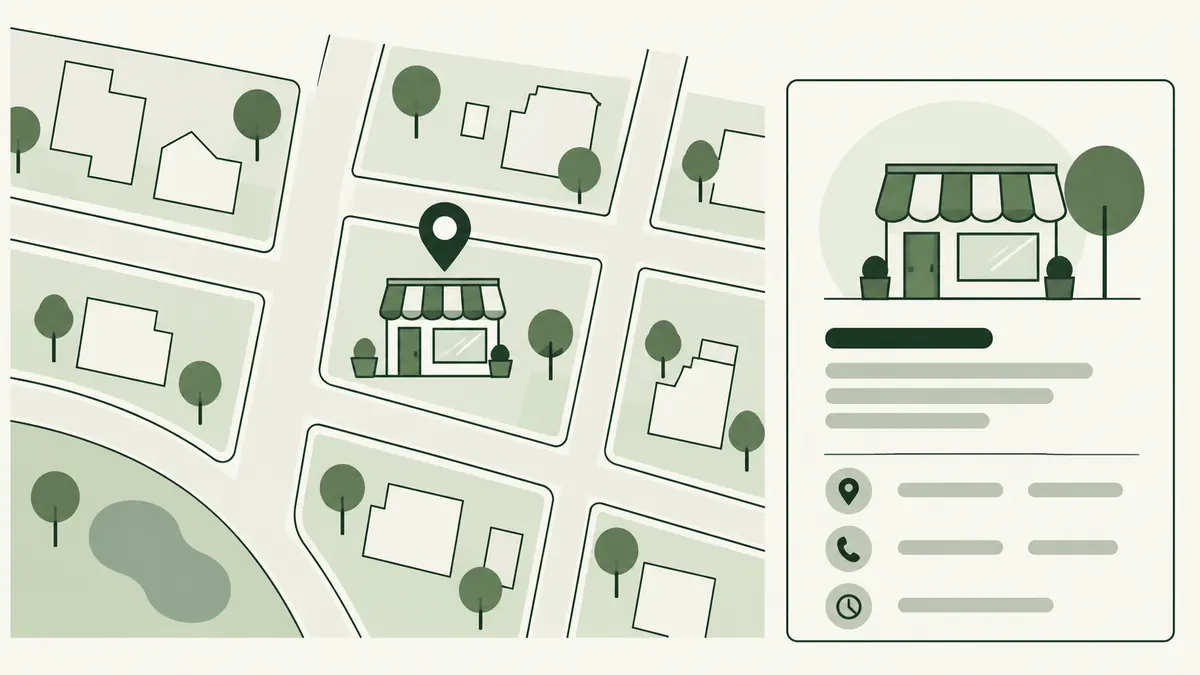
Choose the customer question first
A first-time visitor may need to recognise the entrance or distinguish your unit from the neighbouring shop. A service customer may want to see the workspace or the actual product range.
For a workshop on an upper floor, a clear entrance photograph may be more useful than another close-up of the logo. Think about the point where customers hesitate.
Build a small, accurate photo set
- A current exterior and recognisable entrance.
- Relevant interior areas customers can access.
- Products or services actually available.
- Useful details that are difficult to explain in words.
Google’s local guidance includes photos as a way to show what the business offers. It does not give a guaranteed ranking reward for uploading a particular number.
Represent the real business
Do not present stock interiors or generated premises as photographs of your location. Avoid editing that removes a material feature a customer needs to know about.
Get appropriate permission before using identifiable customer or staff images. Check backgrounds for private information such as order details or personal documents.
Label illustrations as illustrations when they are used to explain a process.
Prepare images for the website too
Keep original files separately, then export appropriately sized versions for the page. Write text alternatives for meaningful images and keep essential visiting instructions in readable text.
Check mobile crops so signage or the entrance is not cut off. Our image SEO guide covers filenames, ALT text and compression.
Replace images that no longer match
Review photos when signage, products or premises change. An attractive old exterior can still send customers to the wrong door.
- Identify the customer question.
- Choose a truthful, clear image.
- Check permission and private details.
- Review the published crop.
- Revisit the set after business changes.
Combine this with the profile checklist and branch-page guide.