What is a dofollow link?
Dofollow is an informal label, not an attribute you need to add. A normal HTML link has a destination and visible wording. It does not need rel="dofollow" to work as an ordinary link.
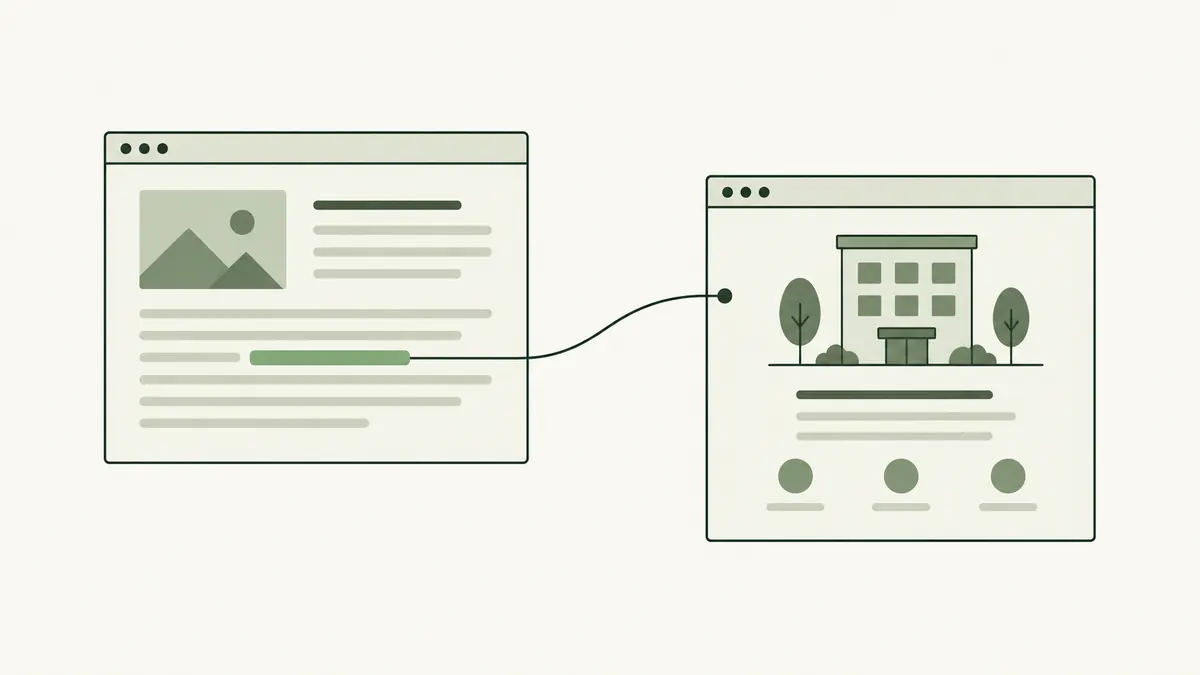
For example, a hotel’s neighbourhood guide might link to a museum’s opening hours. The reference gives guests a place to check the latest visiting information. Readers see the linked words; they usually do not see the attributes behind them.
For a refresher on incoming links, read what backlinks are.
Nofollow, sponsored and ugc
| Value | Typical purpose |
|---|---|
| nofollow | Qualifies a link when the other relationship values do not fit and the publisher does not want to endorse the destination. |
| sponsored | Identifies advertising and paid placements. |
| ugc | Identifies links in user contributions, such as comments. |
Google prefers sponsored for paid links and also accepts nofollow. Multiple values can be combined. These choices are explained in Google’s outbound-link documentation.
Does nofollow mean a link has no value?
A person can still click a nofollow link and visit the destination. A useful mention might introduce your business to a relevant reader even when you cannot attribute any ranking change to it.
Google describes these relationship values as hints when deciding how to consider links. They are not a promise that a destination can never be discovered, indexed or considered through other signals. See Google’s explanation of the hint approach.
Consider a community event listing for a pottery studio in Kuala Lumpur. If the listing helps interested visitors find the studio’s workshop schedule, that reader benefit is worth assessing separately from search rankings.
Is opening a new tab the same thing?
No. target="_blank" controls where the browser opens the destination. rel="noopener" protects the original page from access through the new window’s opener relationship. Neither setting is a substitute for nofollow.
A link can open a new tab and also have a qualifying relationship attribute. When reviewing a website, check the two settings separately instead of assuming that one automatically supplies the other.
How to review a link
- Open the published page and find the reference.
- Check that the visible wording describes the destination accurately.
- Use the browser’s element inspector, or ask your developer, to read the link’s
relvalue. - Confirm that any payment or sponsorship is disclosed and appropriately marked.
- Open the destination to check that it still works.
A link’s attributes do not tell you everything about its quality. Read the surrounding article as well. Our contextual backlink guide explains how to judge whether a reference actually helps the reader.