Start with the customer’s journey
Imagine someone looking for a bicycle repair shop in George Town. Before leaving home, they may want to know whether the shop repairs their type of bicycle, whether it is open and whether they need an appointment.
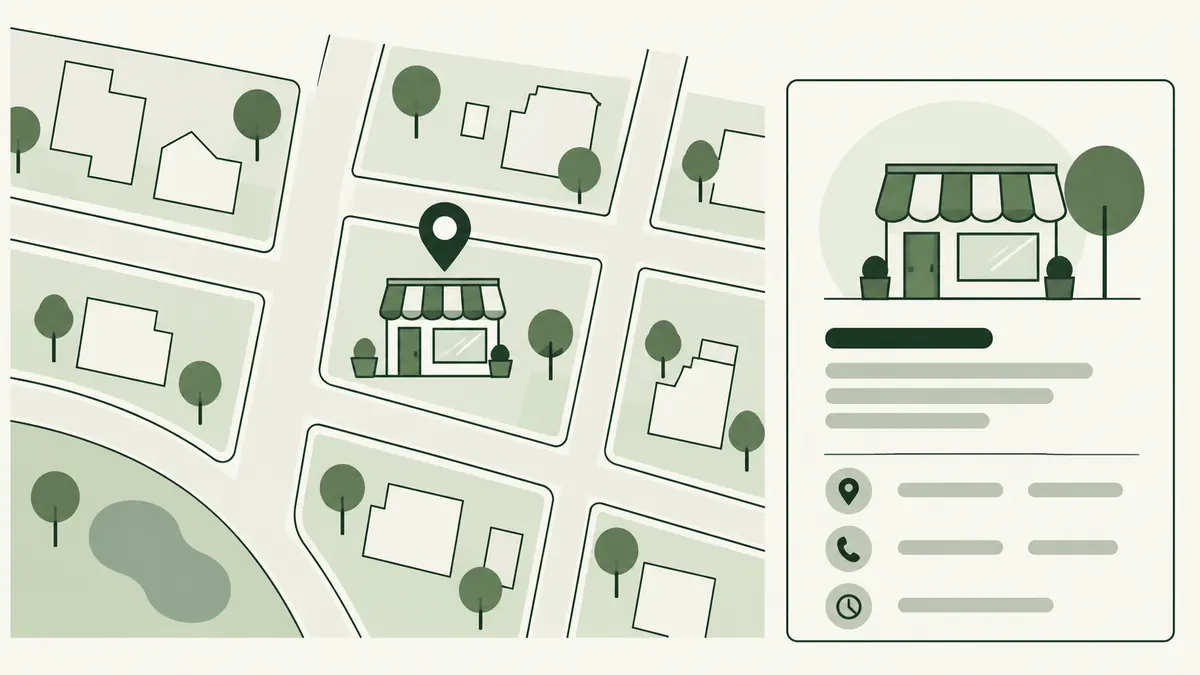
A map listing can help them find the business. The website can explain repair services and booking arrangements. If the two show different opening hours, the customer must guess which one to trust.
Review this journey from discovery to arrival. Local visibility is more useful when the information behind it helps someone take the next step.
What affects local results?
Google describes local ranking in terms of relevance, distance and prominence. Complete information helps it understand a business, but you cannot choose how far away every searcher is or pay Google for a better organic local ranking. See Google’s explanation of local results.
Use that distinction when setting expectations. “Make our profile accurate and our services clear” is a practical project. “Appear first for everyone across Malaysia” is not a useful promise for a neighbourhood shop.
Review your Business Profile
If your business is eligible for a Google Business Profile, confirm that the person managing it is authorised to represent the business. Check the details against your current operations, rather than copying an old directory listing.
- Use the business’s real name and an appropriate category.
- Review the phone number, website address and opening hours.
- Check special hours before public holidays.
- Represent customer visiting arrangements accurately.
- Use photographs that reflect the current business.
For example, a workshop that only receives visitors by appointment should make that clear. An accurate description prevents a wasted journey even before it leads to a booking.
Make the website useful for local visitors
Put the relevant service and location information on a page that customers can reach easily. Include genuine access details where useful: an entrance on a side road, a nearby landmark or whether collection needs to be arranged.
For a business with several branches, each location page should describe the actual branch. Opening hours, available services and contact details may differ. Replacing the city name in otherwise identical text does little to help someone choose the right branch.
Service-area businesses should explain where they actually work and any conditions that affect an appointment. Do not suggest there is a walk-in office where customers cannot be received.
Build a simple maintenance routine
Ask someone to check your main contact details whenever hours, services or staff arrangements change. Respond thoughtfully to customer reviews without sharing private customer information. Look for repeated questions that reveal missing website details.
- Compare your profile with the website.
- Test the phone, booking and directions links.
- Review enquiries from the areas you genuinely serve.
- Correct outdated information and record the change.
For a wider plan, explore SEO for SMEs. To make service pages easier to use, continue with internal linking.